
Can You Sublimate Without Transfer Paper? No — Here’s Why
Short answer: you can’t. Not with consumer or prosumer equipment, at least not today.
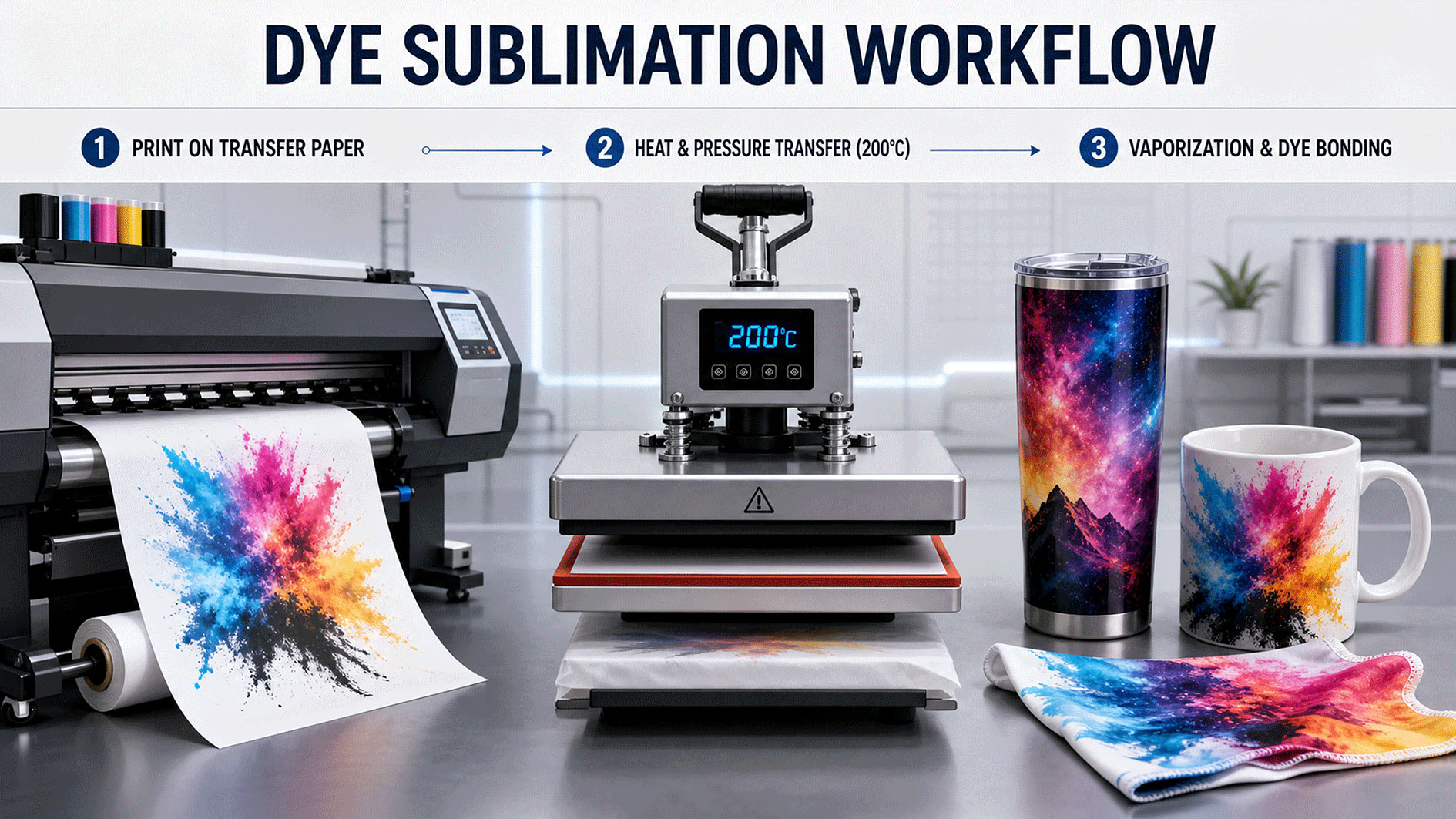
Sublimation runs on one standard chain:
printer → sublimation paper → heat press → finished product
Paper is the carrier in the middle. Ink is printed onto paper first, then transferred onto the target material by heat. Skip the paper and the chain breaks.
Why you can’t print straight onto the product
1. The product won’t fit through the printer. Mugs, bottles and shaped gifts are curved or three-dimensional — a printer’s paper path can’t take them.
2. A printer can’t create the conditions sublimation needs. Transfer requires 180–200°C plus pressure. Neither exists inside a printer.
3. The root reason: the dye has to sit on paper, gasify, then penetrate. This is the part most beginners misread. It’s easy to assume that spraying coloured ink onto a surface is the same as printing on it. Sublimation colour develops when the dye turns to gas, transfers, and bonds into the coating or fibre. Ink sprayed straight onto a surface just sits there as a film — it looks coloured and wipes off.
Reason 3 is also why a flat product can’t be printed directly. Photo slates, tiles and MDF boards are flat, so the paper path isn’t the obstacle — what blocks you is how the dye bonds, not the shape.
Are there exceptions?
- Consumer / prosumer: none. Any desktop setup claiming to skip paper is either a different process or produces unusable results.
- Industrial direct-printing systems exist, but the equipment and supporting investment sit far beyond a small studio’s budget — not something you buy to “try it out.”
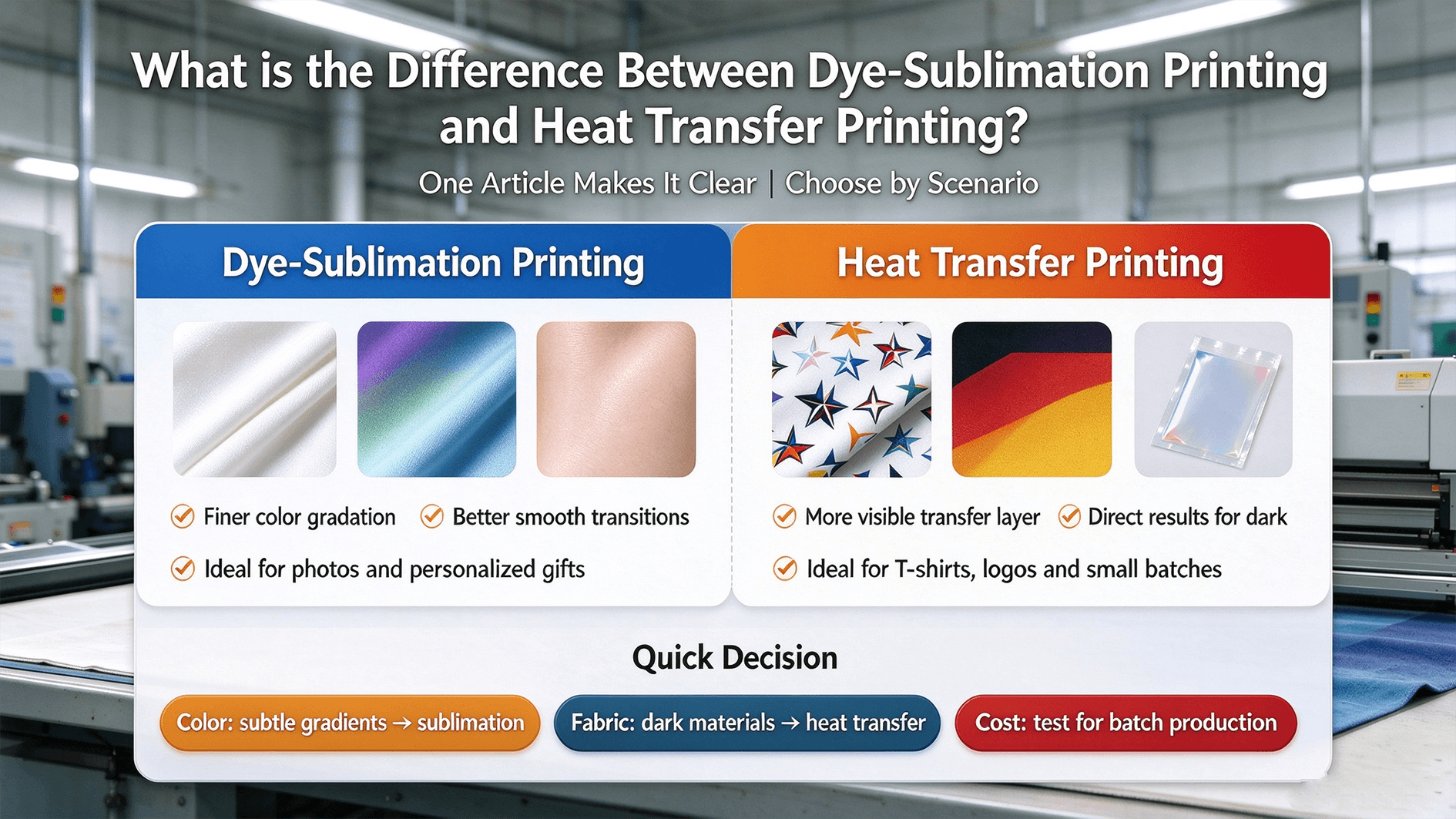
- Don’t mistake DTF or DTG for direct printing. They look like they print straight onto fabric, but they also print onto a film first and then press it — still indirect transfer. See dye sublimation vs HTV vs DTF for where those lines actually fall.
- To print directly onto flat rigid materials you want UV flatbed printing — a different process with UV-curing inks, not sublimation. Getting this straight before you buy hardware saves an expensive mistake.
What happens when you skip the paper?
| Skipped step | What you actually get |
|---|---|
| No paper, direct spray | The print sits on the surface and wipes off |
| No gas-phase transfer | Colour comes out dull and grey, nowhere near the design file |
| No penetration into coating or fibre | Nothing worth calling wash- or scratch-resistant — it only looks printed |
That’s why paper quality decides the transfer
If the whole transfer depends on paper carrying and releasing the ink, paper stops being an afterthought consumable and becomes a yield factor:
- Incomplete transfer leaves ink behind on the sheet — which is exactly what makes colour look washed out and leaves residue.
- Paper weight and coating set how much ink a sheet holds and how much it releases. The same press settings on a different sheet can behave like a different process.
- Swapping paper without retuning is the most common cause of “I changed one consumable and the results got worse.”
Our sublimation paper is built for exactly that problem — incomplete transfer and residue: A4/A3, 30m/50m rolls, matched with sublimation ink, with a measured transfer rate that holds above 95%.
If you haven’t run the full chain yet, start with our sublimation printing guide for beginners. For press hardware, see heat press machines; for the printer itself, see how to choose a sublimation printer.
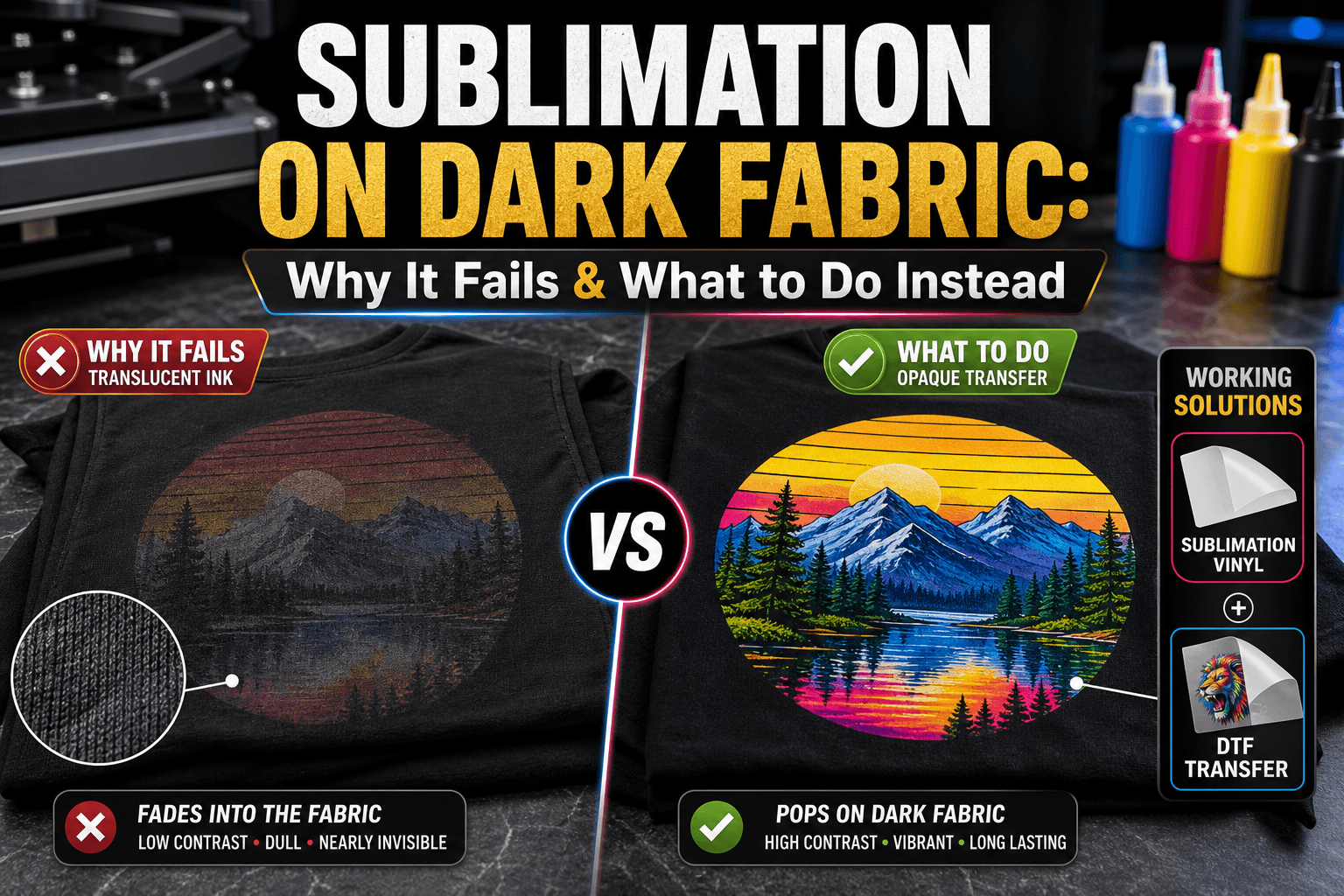
One thing worth separating while we’re here: paper decides whether it prints at all, base colour decides whether it looks good. Those two get treated as one problem all the time — why sublimation fails on dark fabric covers the second.
The short version
Paper is the one step sublimation can’t skip — choose the right sheet and you’re halfway there.
To kit out paper, ink and press together: sublimation blanks supplier.